
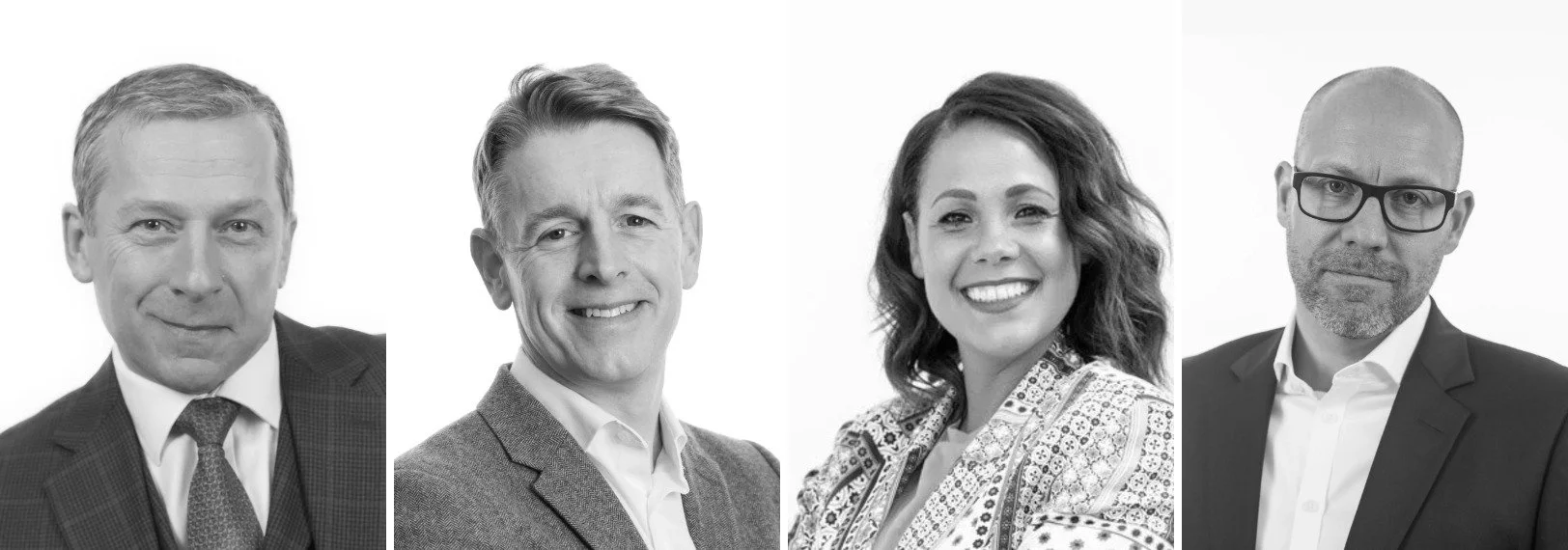
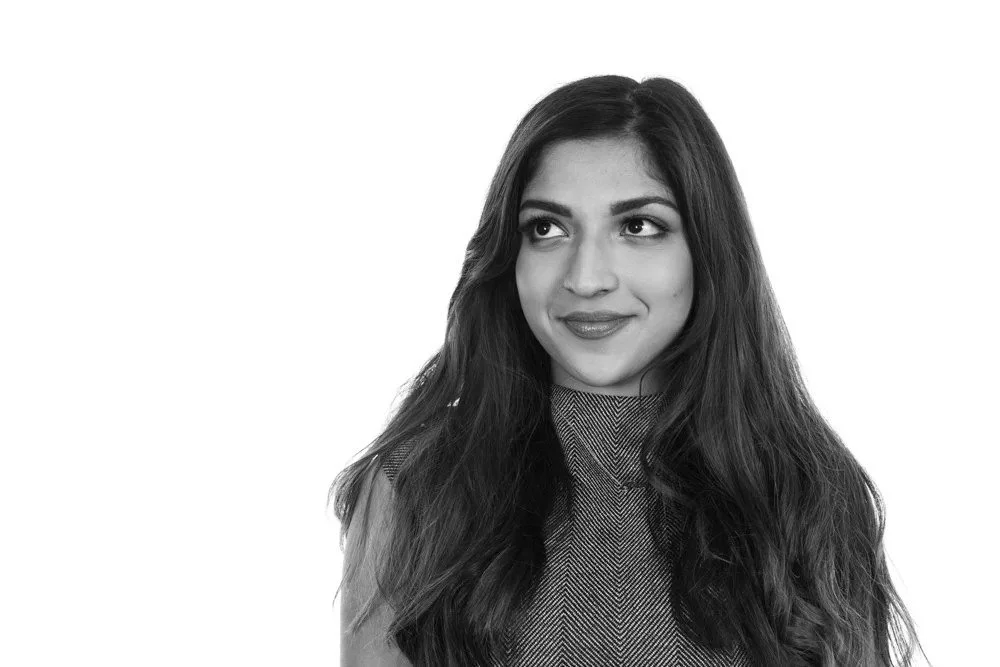
Your LinkedIn photo is often the first thing a potential client or employer sees. It's tiny on the screen, but it does a lot of work. Here's what I've learnt about what makes one work.
Fill the frame
LinkedIn shows your photo as a small circle. Crop to your head and the top of your shoulders, with your face filling most of the frame. Full-length shots and group photos cropped down don't work at that size.
Look like you do on a good day
The aim isn't to look like someone else. It's for people to recognise you when you walk into the meeting. A photo from ten years ago, or one that's been heavily filtered, works against you.
Expression matters more than anything
A relaxed, genuine expression beats a perfect pose. That's why I spend time chatting and take plenty of frames. The best shot is often the one taken just after a laugh.
Keep the background simple
A plain or softly blurred background keeps attention on your face. Avoid busy offices, holiday scenery and anything that competes with you.
Dress for your clients
Wear what you'd wear to meet your clients. That might be a suit or it might be a smart jumper. Solid colours photograph best, and avoid anything too close to your background colour.
Light is everything
Soft, even light on your face is the biggest difference between a phone snap and a professional headshot. It's the hardest thing to get right on your own.
Match your company
If your colleagues are on LinkedIn too, it helps if your photos look like they belong together. That's one reason businesses book team headshots at the office: everyone gets the same lighting and background.
Don't forget the banner
The banner image behind your profile is a free space for your brand. A photo of your team, your workplace or your work says far more than a stock image.
Book a LinkedIn headshot
Individual sessions are £225 with 6 retouched images. Teams can be photographed at your office. See headshot photography or get in touch.